Project management, AI, QA
Improving internal handoff process
by building a Figma plugin to automate design QA
by building a Figma plugin to automate design QA
Sideproject, 2026
Designer
Developer
QA
User flow
Figma plugin
Claude Code
• Built a plugin from design-to-implement
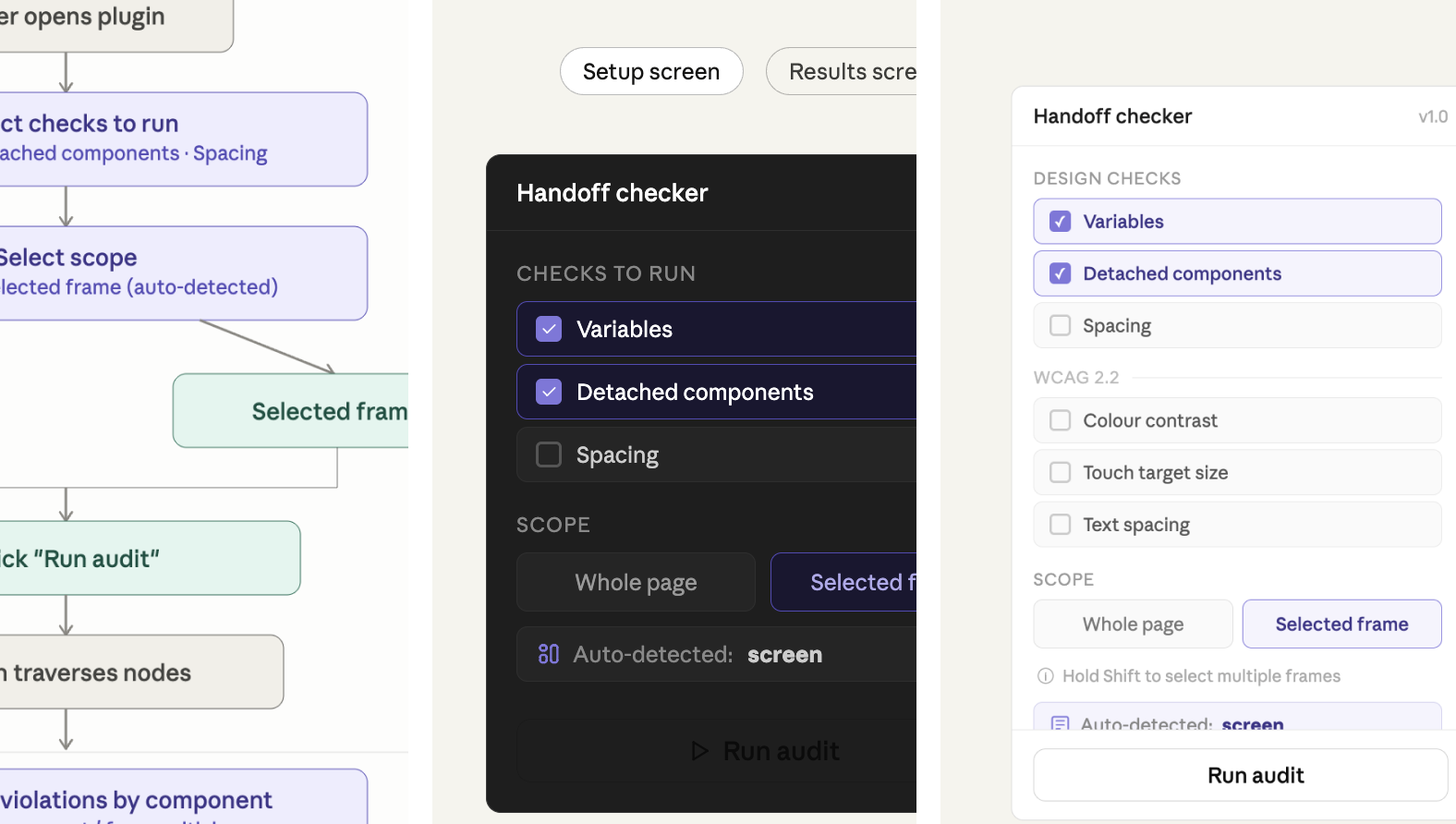
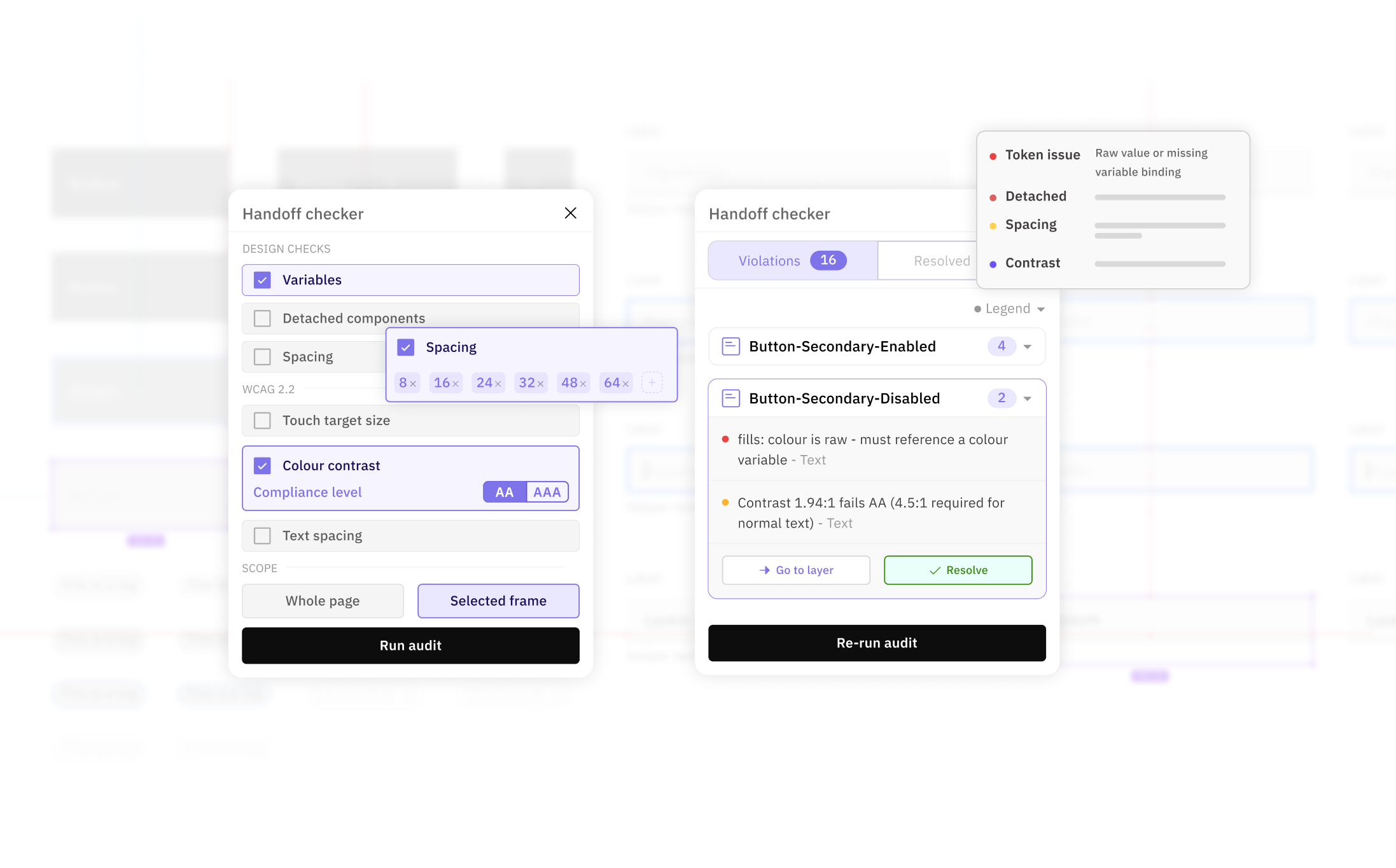
Designers sometimes miss attaching variables, following WCAG guidelines, or building proper design tokens in their screens. This often results in significant back-and-forth between developers and designers. To reduce this friction in the handoff process, I built a Figma plugin that audits variable usage, colour contrast, and spacing alignment..
1. Feasibility check
Confirmed AI tool could build the tool, and identified the most efficient approach.

2. User flow alignment
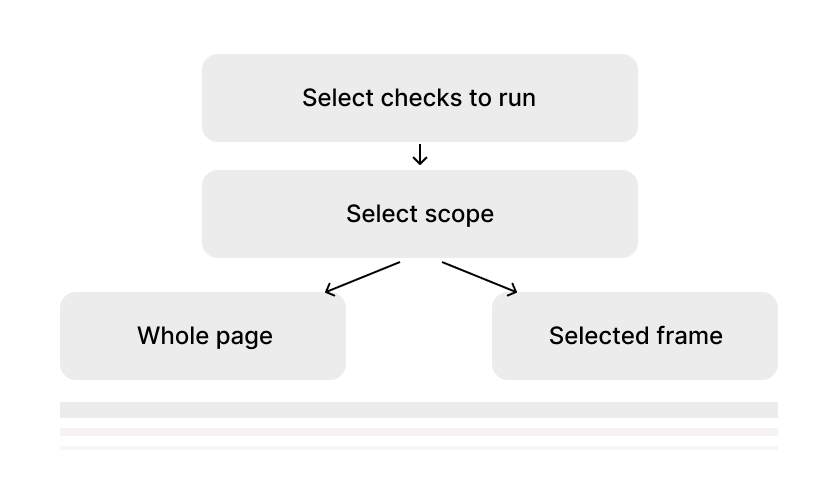
Mapped out each flow and its expected outcomes.
3. UI alignment
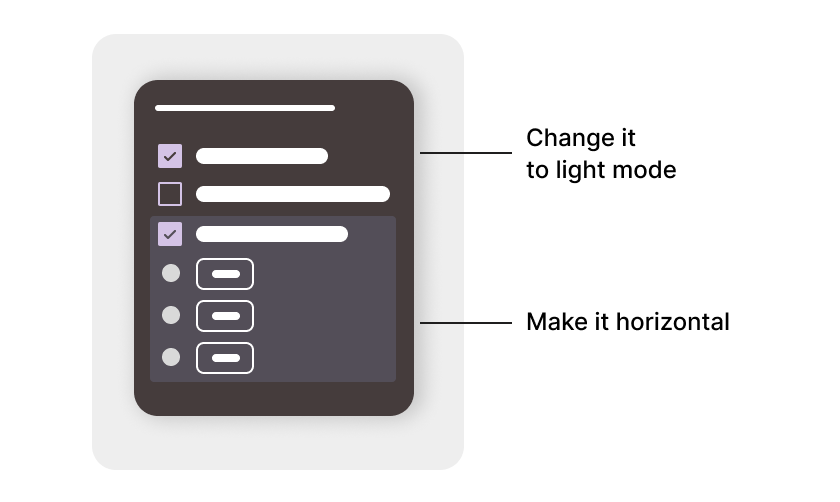
Validated the UI and flow against my intended design before investing heavily in implementation.
4. QA and iteration
Stress-tested functions and edge cases to catch issues.

Be specific about what you want
The clearer your ask, the better the output.
Vague prompts get you vague results.
Map out the flow before building
Spending time upfront on requirements saves a lot of back-and-forth later, and a lot of wasted tokens. It keeps the conversation focused instead of going in circles.
Test everything yourself first
AI gets things wrong. Bugs happen, edge cases get missed, things get lost in translation. Don't ship something you haven't tried yourself.